

Our from the ground up freedom business is just about ready for a soft launch and some real profitability results. It seems it has taken longer here in the blog world than it has in real world hours. The holidays, a cold, reflection posts and some 9-5 job chaos has chopped up the 10-20 hours it has actually taken to get all this off the ground. This post is to recap the last few weeks of actionable items for reflecting, automating, and improving. It’a also to shed truth on the real uses of Google Adword keywords in comparison to SEO keywords for our mock process. Bonus! Free workflow for your VA or yourself on finding valuable data on keywords.
Backup Informer, my aptly named freedom business is progressing well. The initial mock development has furthered into design touch ups, setting up e-mail capture (Mailchimp), traffic tracking in Google Analytics, and tutorial reading on writing good copy (MYWS!), keyword testing, and the infamous Google Adwords are launching now. Adwords research and testing is easily the most convoluted and frustrating process to the newcomer, there are some important distinctions to be made. You can see it evolve at http://backupinformer.itarsenal.com
In educational refreshment, I’ve bulleted tools and process below for getting your idea off the ground, from start to where we are currently.
The freedom business or “muse” has a few identifiable phases within the creating income stage, the whole point of which is to automate income. Product Idea, Mock Development, Soft Launch, Product Development, Hard Launch. Automate and repeat. Peep the strat below.
Idea Development
These sometimes come at you like lighting, other times you just have to dig. I’ve explained in earlier posts about sticking to your interests and working outward. I keep a working document of all the products/ideas I’d like to launch or try out. You’ll continue to hear about them here, and I’m always open to joint ventures!
Timeframe: Anytime.
Resources: Napkin, Google Docs, You name it.
Initial Efforts
Initial research (building momentum, get us commited)
Mock page structure and hosting (basic visuals)
Ballpark a few keywords for search
Copy (make it up right now)
Metrics (sign up for accounts, get familiar)
Timeframe: 2-5 hours
Resources: Google Analytics, Web Hosting (Godaddy is my choice), check out iWeb, hire me to design your mock page or google a sales page creator. I suggested checking out Google page Creator since their open to templates now, could be a great place to start looking.
Mock 2nd Pass
Clean up the mock visuals and layout loose ends
Implement Metrics tools (Google Analytics)
Implement E-mail Capture (Mailchimp)
Copy Writing Intelligence (reading on copy writing)
Timeframe: 2-5 hours
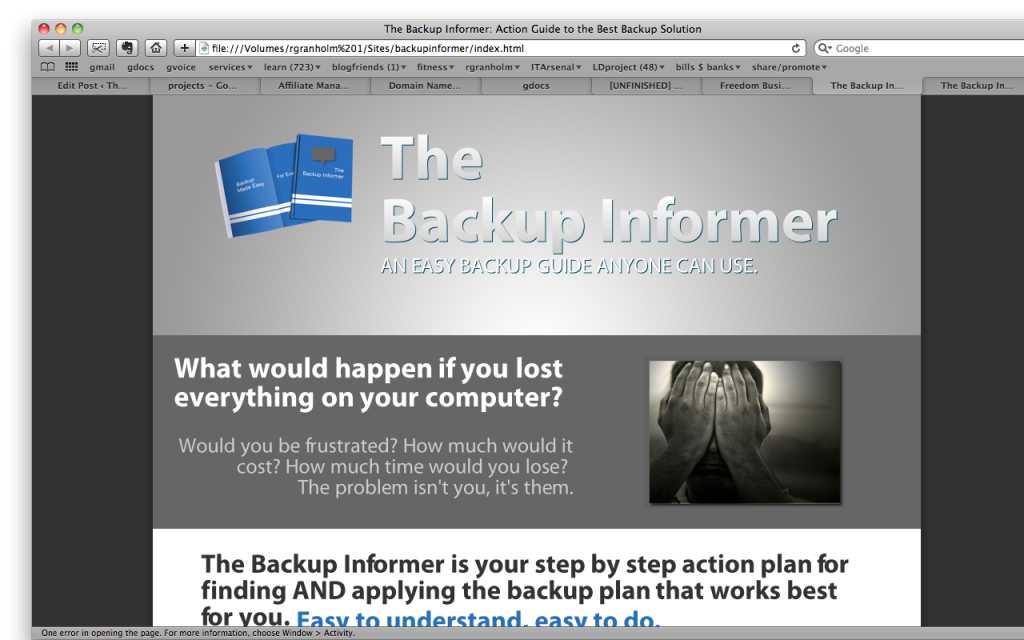
Resources: I used eCover Suite Elite to create a physical representation of my information product, you should too. It requires Adobe Photoshop. If thats out of your price range, contact me, or outsource. I tweaked graphics I pulled off the web or screen shots of my computer for further visuals. Screen shots are easy to do, check out Sumo Paint for free online image editing. I have no clue about copy writing so I’m reading a free ebook called Make Your Words Sell, a few times over at the recommendation of a friend. As mentioned before I used Mailchimp for the e-mail capture.
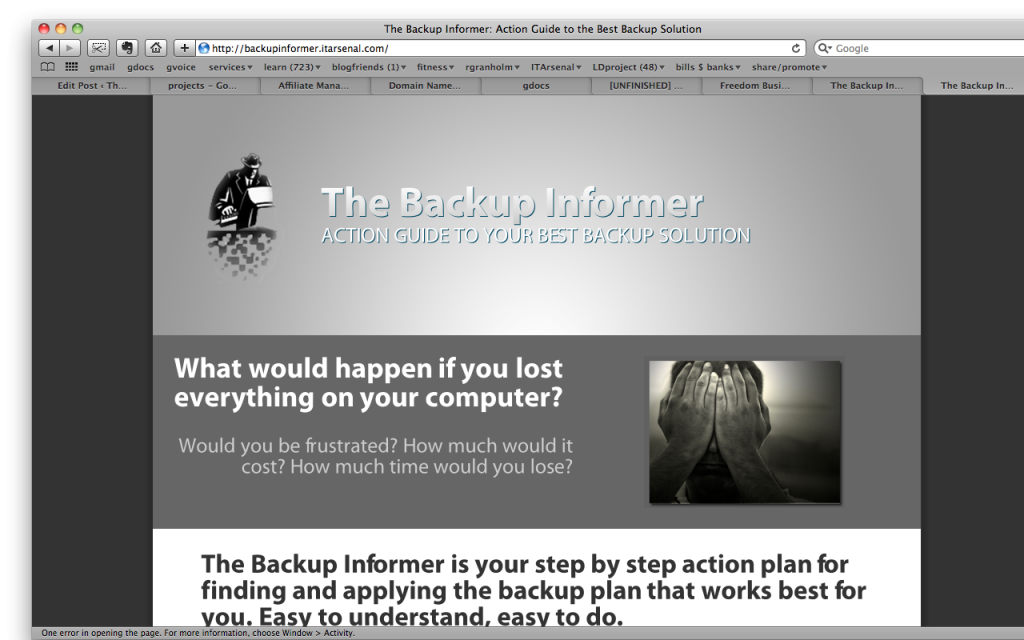
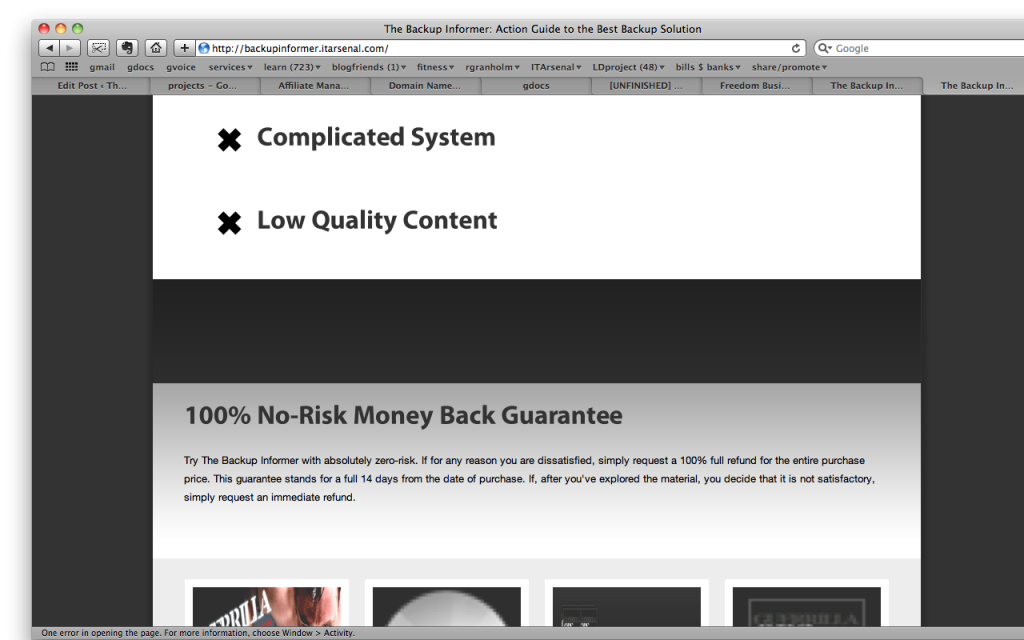
Here are the before and after pictures from the initial efforts to the 2nd pass.
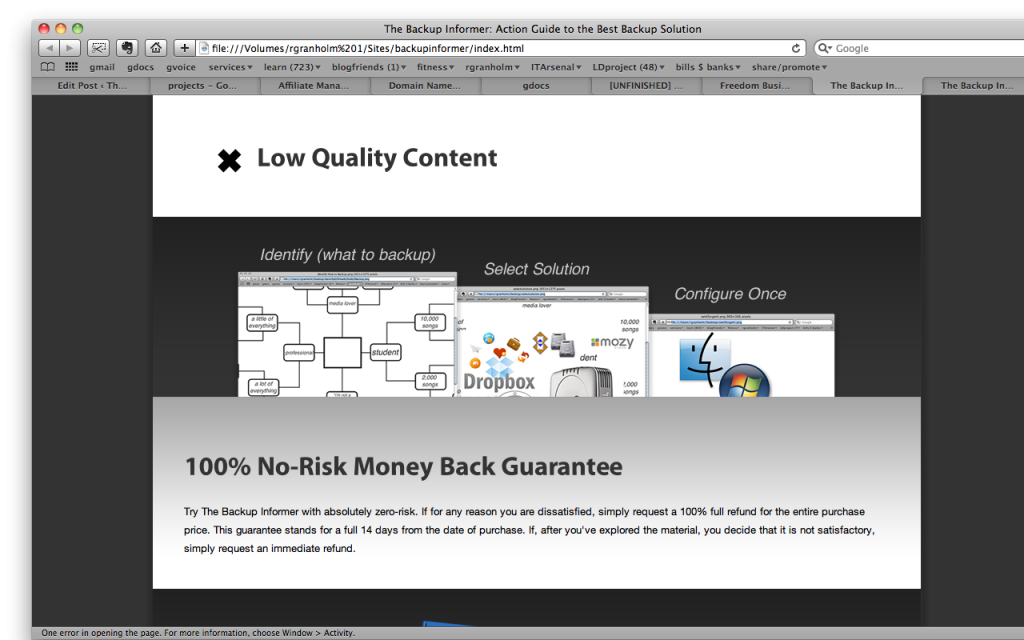
Present Day State
Copy rewrite and soft launch. Then depending on results, tweak copy and adword keywords and retest, continue on to development, or scrap the idea. That’s where I lie now, in soft launching the product through advertising for a marketability gauge. But first…
The Truth about Search Engine Advertising (AKA Google Adwords)
In my research of setting up the correct tools for the mock I’ve come across some truth on Google Adwords or Search Engine Advertising in general and it’s time to share. I may be in my own world, but this is how I see it. Using Google Adwords to drive “paid traffic” to your product is the quickest and most measurable way to gauge the marketability and profitability of your product. It’s the best measuring stick we have for a mock run without a real product in hand. I think it’s a bit rough, and those who make money only through Adwords I’d liken to mercenaries. Here’s why I believe that.
- It’s not SEO
- The type of keywords you want are not always the same, they’re cheaper and don’t have the quality you want from SEO keywords you’d use to organically rank your page. You’re not driving interest to a product or website, you’re driving interest to an Ad.
- You can always be out-bought.
- If you had a real product, you’d want people to find you through natural search, affiliates can pay people to find you. Putting the cart before the horse should only be for testing.
- People don’t like ads in general, it’s a game.
- The results aren’t of high quality. Don’t trust them farther than you can throw them. Meaning, don’t expect conversation rates to be that telling of the quality of your product, but loosely gauge interest and simply if people are really going to click that buy now button.
- In general, these thoughts come from a background that traditional advertising is changing and going away with the continued rise and use of the internet.
How to get the most out of keywords semi quickly. There is a daunting silly amount of “how to’s” and paid products for developing profitable keywords and processes on driving buying traffic to your product. I did my homework and have a technical background of exactly how the “keyword” and ad process works. Although it’s not a difficult concept, everyone is hucking their own “best method” and it’s near impossible to get straight information. The info is also murkeyed with the fact that similar or identical keyword research and tools are used for SEO and organic ranking of websites, which is a completely different target from Ads and not what we are after right now. (We will be soon) Adwords are less complicated, or at least take less work than SEO.
Linked below is a workflow (easily given to a VA) of how I proceeded with finding data on my keywords and what I’ll be launching with for the Backup Informer. Special thanks to Alan Perlman and Greg Rollett who brainstormed with me.
- First, realize the keywords we are looking for should have little competition but high search volume. Google pagerank doesn’t matter because we’re looking to get on the ads, not the search listings for these words.
- Brainstorm keywords, be as long tail but popular (meaning high search volume) as you can. There seems to be a ton of mystery around finding these magic words, I just kept at it, “search and destroy” with words that you could imagine people would use to find your product. Yes being creative helps, but just as the hundred sales pitch pages out there will tell you, it’s not magic, it will take some hard thinking, trial and error…experience is more valuable than the right words right now. At least I’m telling myself that and just going forward.
- Muse/Niche Keyword Market Research <- make a big list of words, and then run it through this list for the information you’ll need to move forward
- Google Keyword Tool, Global Monthly Searches
- Commercial Intent Tool, Commercial Intent Percentage
- Google Page Rank (SEO Chat Site), Average Page Rank of 1st 10 Results
- Number of Google searches results with quotes ” X “
- Number of PPC Ads on right side of Google (do not use quotes)
- Virtual Assistant if you want to outsource this process.
I’ll be soft launching this week, and reporting on results with numbers and screen shots in two weeks time. I’ll report on budget and all the over the top detail you typically see here. Let’s see if this thing can fly. More to come on how to use those ad systems too, but don’t expect too much, Google does a pretty good job of providing how to actually use it’s Adword program once you have keywords to use. Whew…feels good to be busy and taking on the world, I hope you are too.